Code. Draw. Export.
Write code in browser, share, publish as web widget or export to use inside your own project. Draw apps on the web, desktop and mobile with DrawnUI.
Community

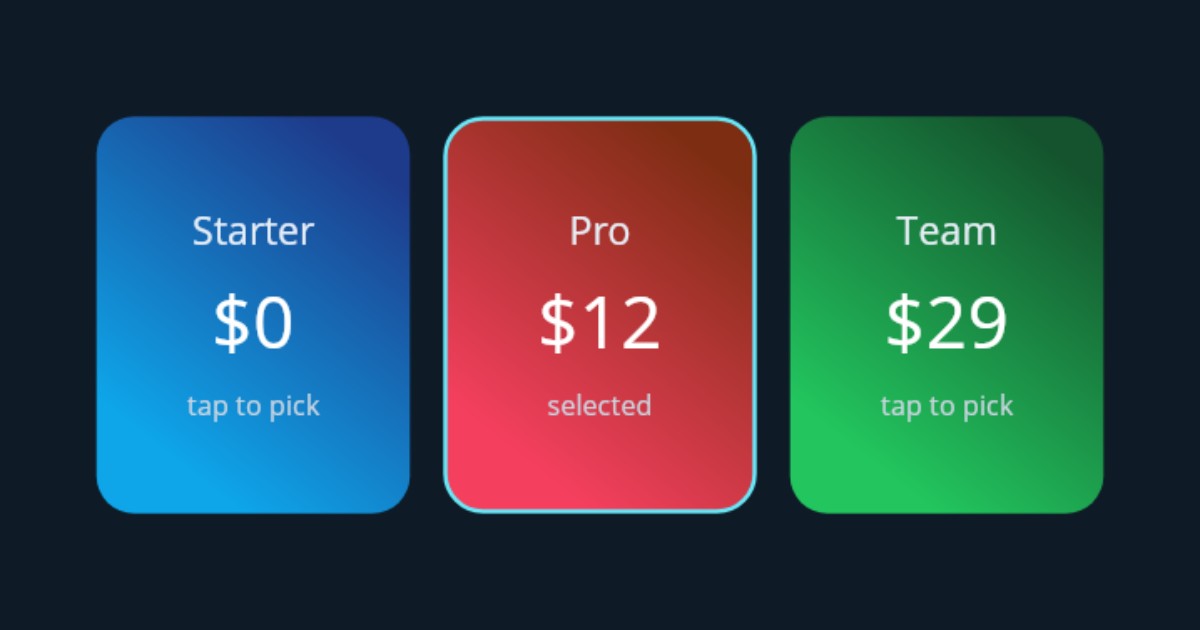
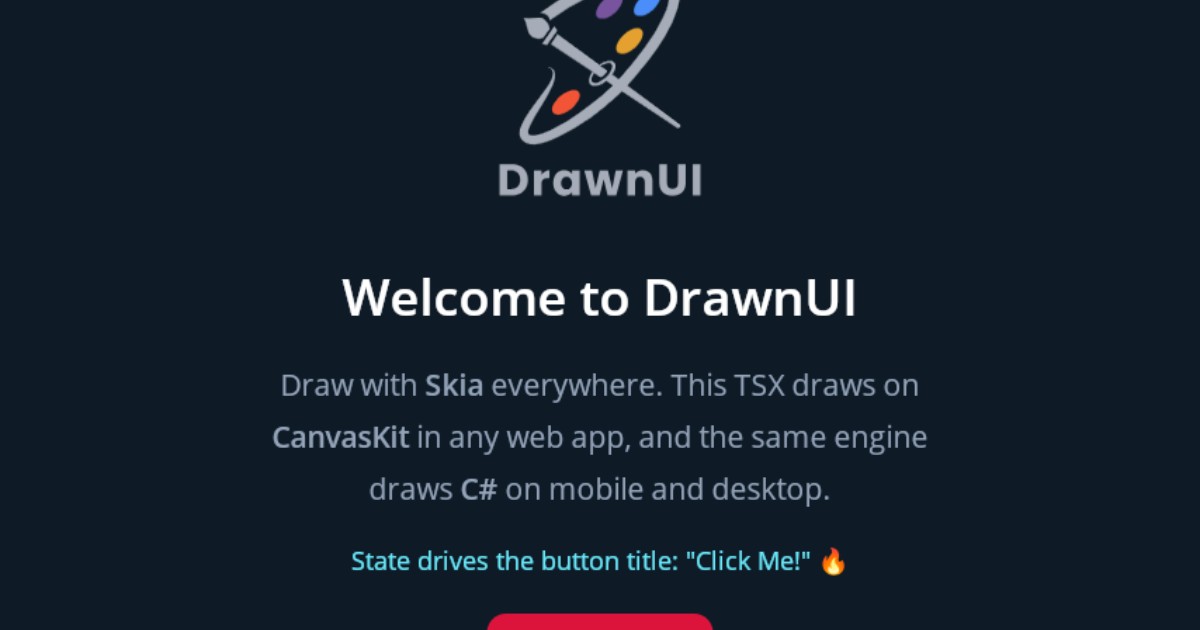

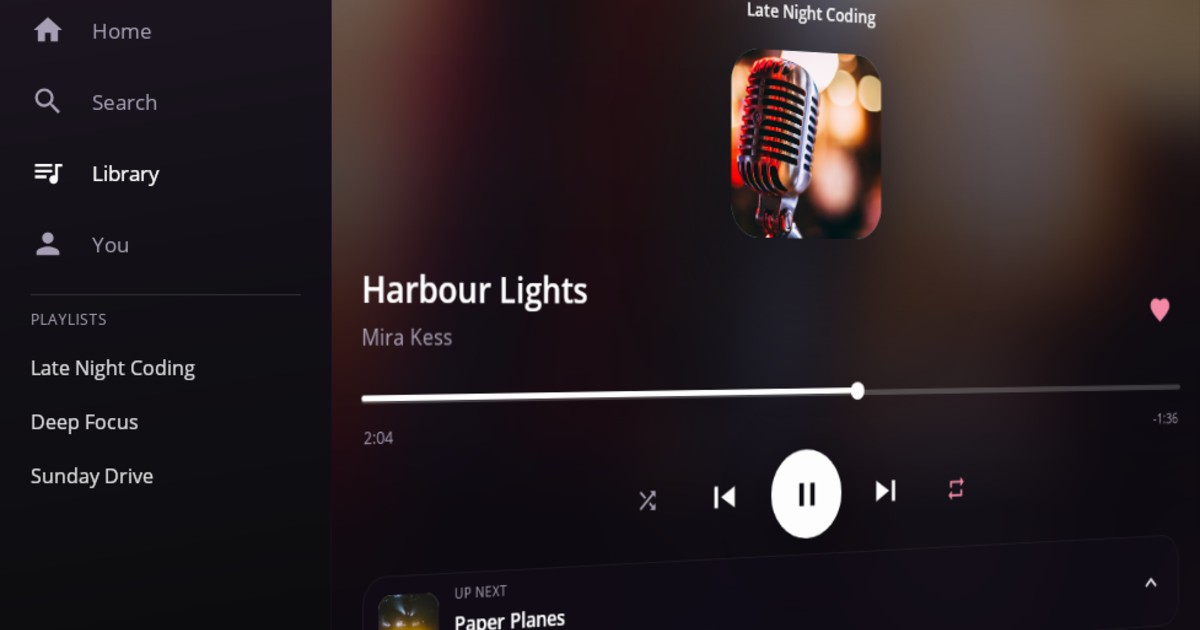
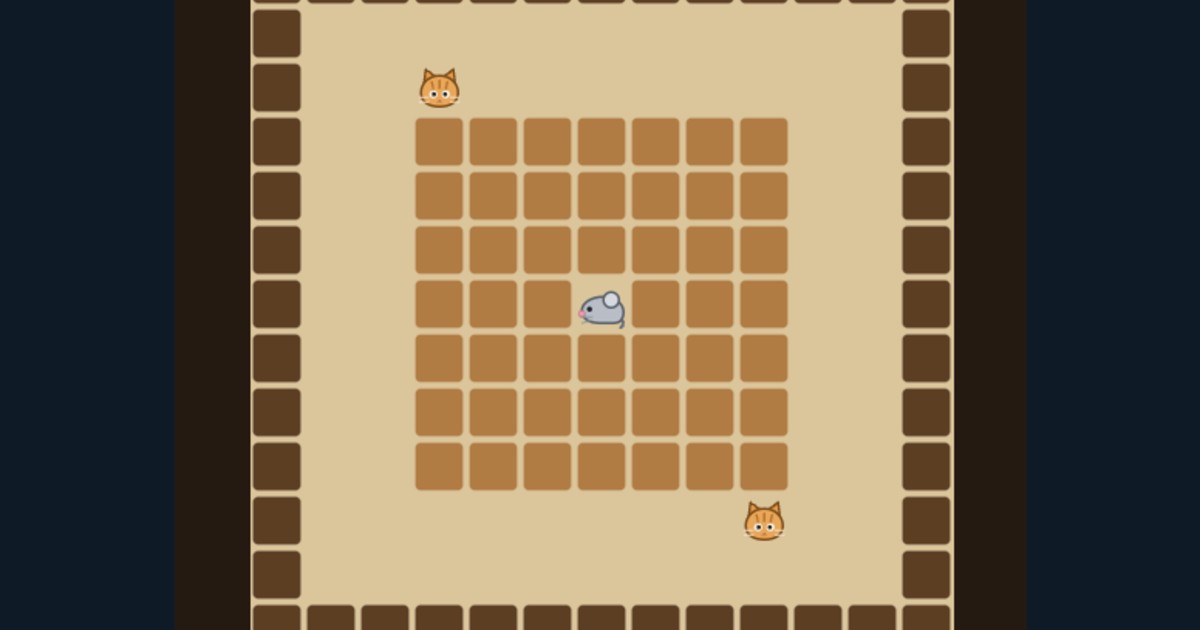
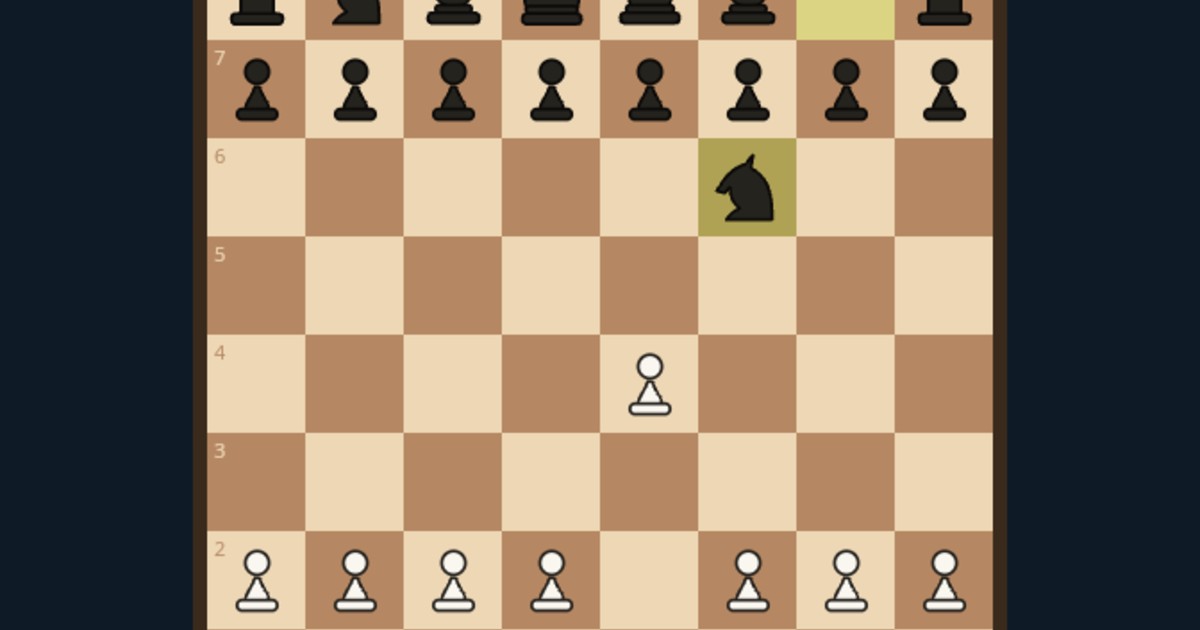

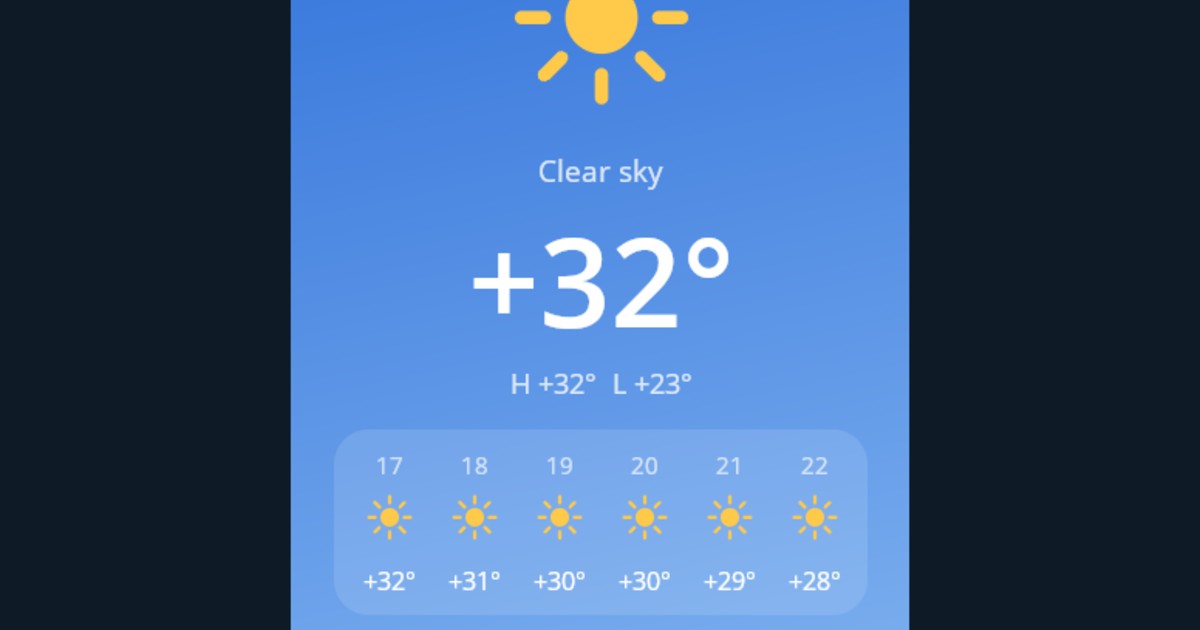
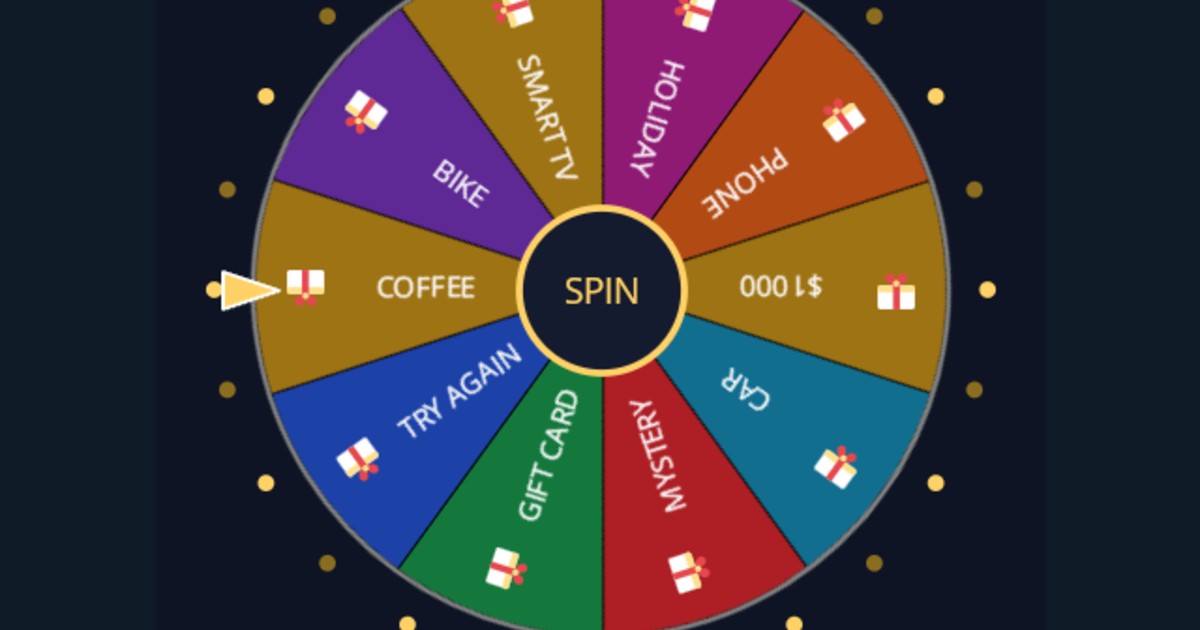



Code
C#, React or NX, all in the browser. It compiles in your tab — no server, nothing to install, no project to create.
Draw
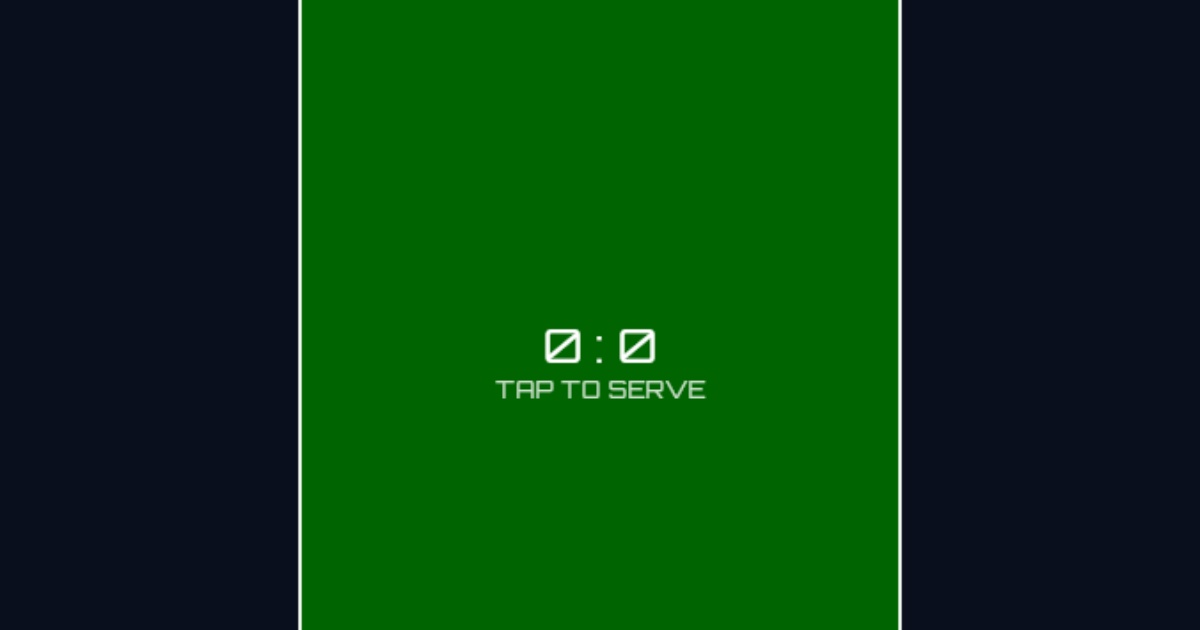
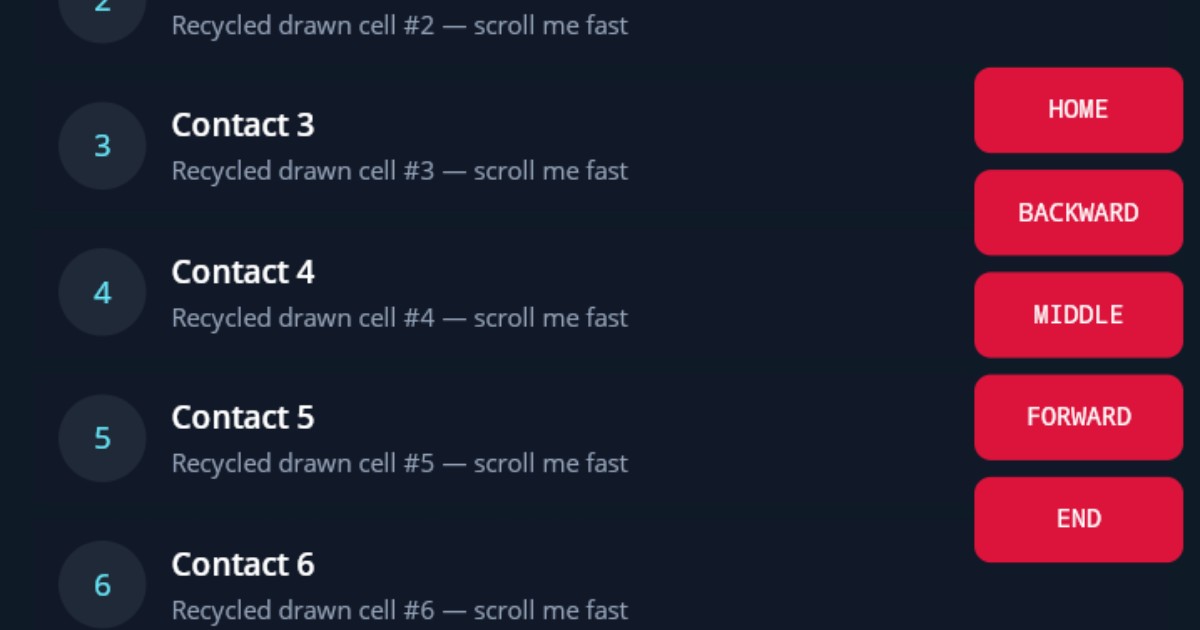
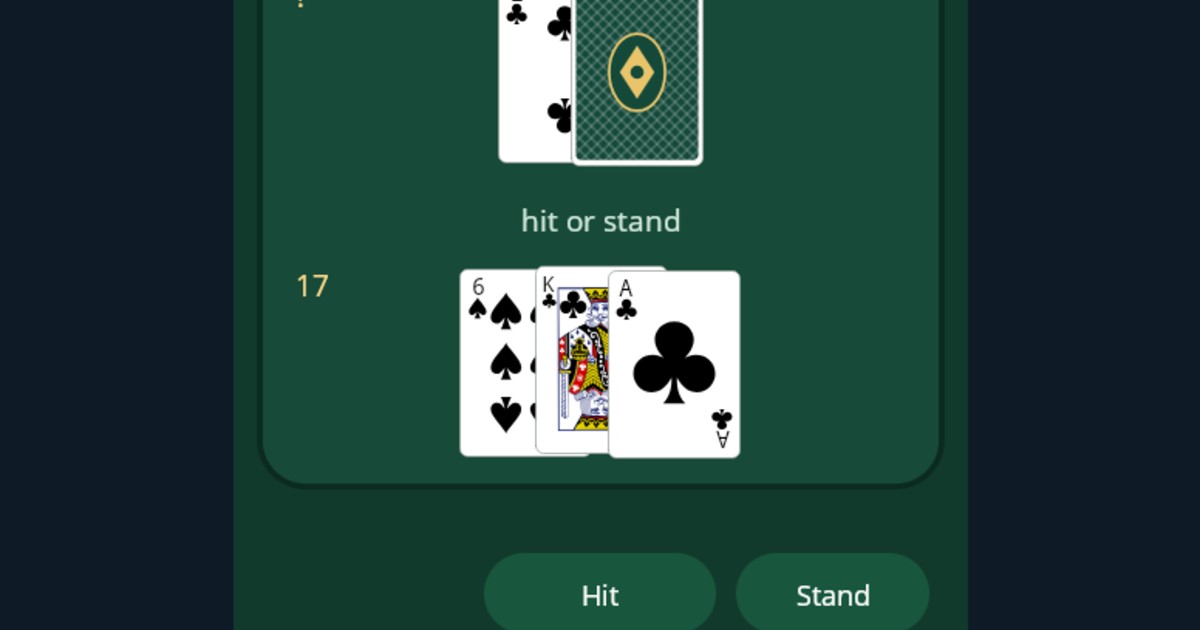
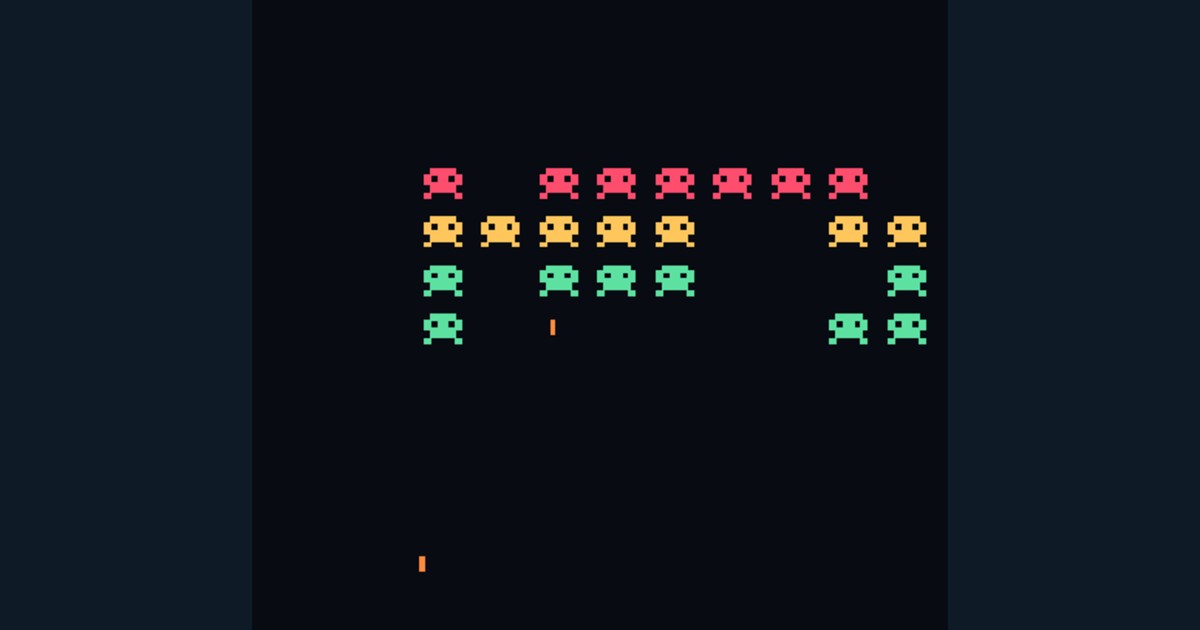
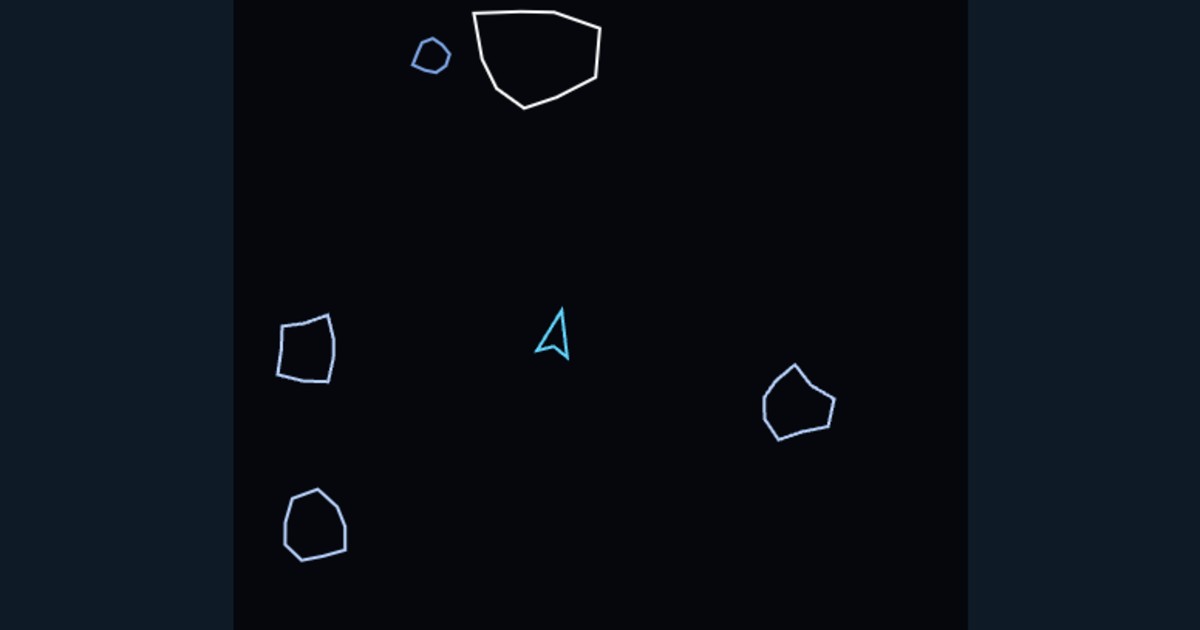
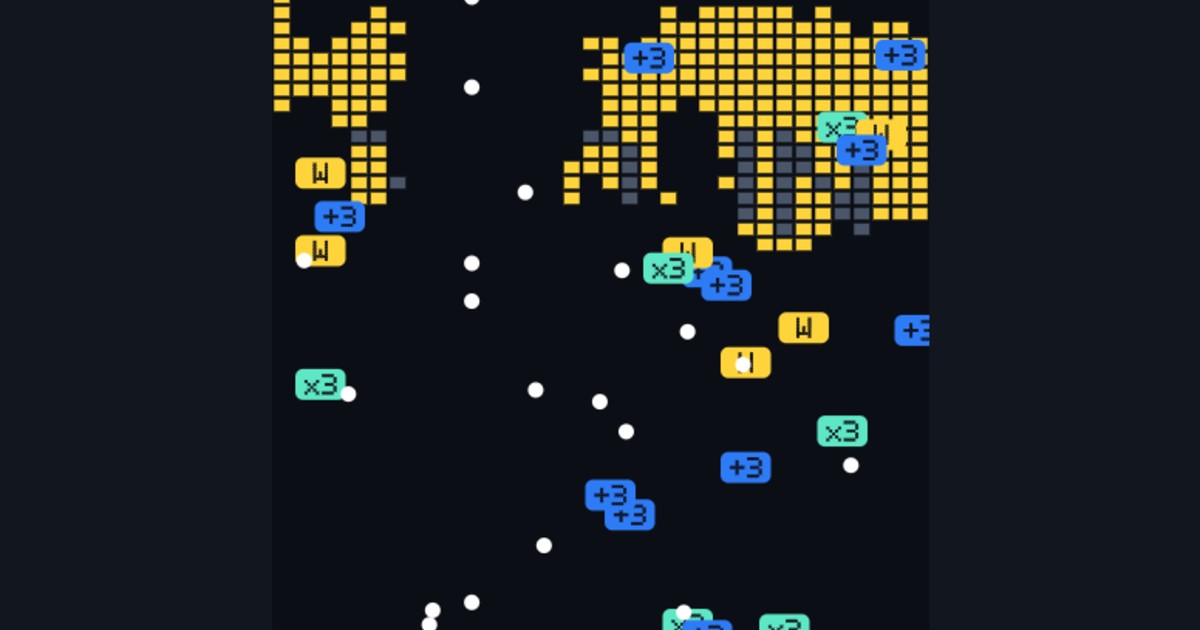
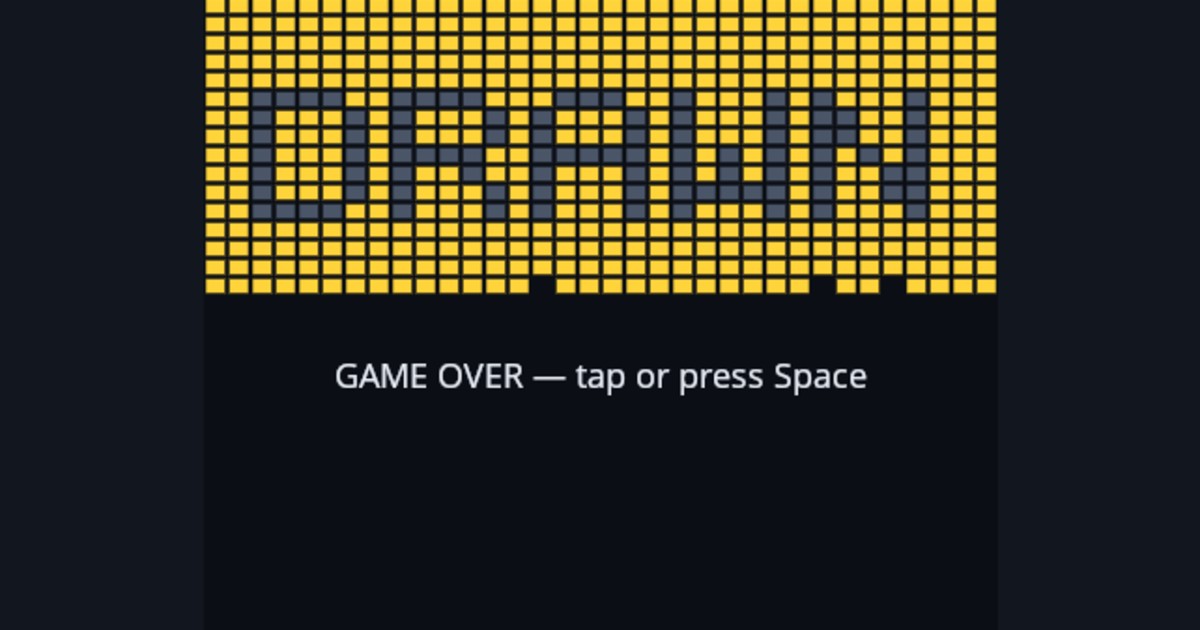
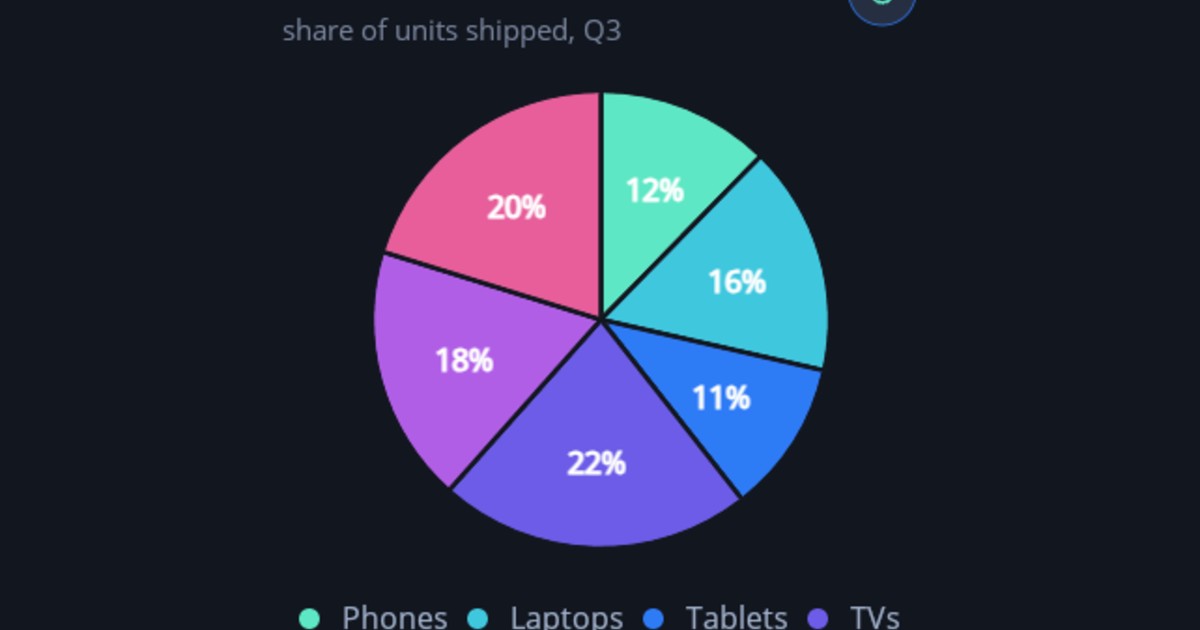
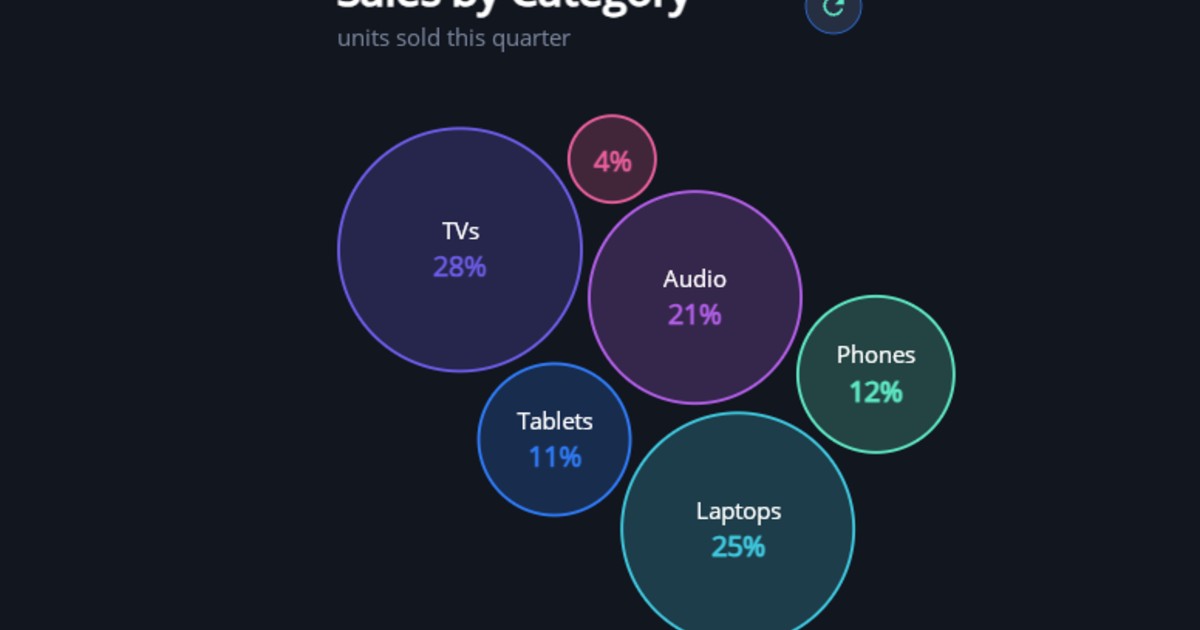
DrawnUI paints a real canvas, not a page of HTML. Charts, games, shaders, controls — the same engine that draws in shipped apps.
Export
Take it out. A link anyone can open. A full-screen page that runs it. An iframe for your site. Or a ready project you can build — a .NET MAUI solution from C#, a Vite app or a single .tsx from React. Nothing you make here is stuck here.
The same code runs in your app
DrawnUI is a UI engine that draws with Skia. The .NET engine runs in MAUI, Blazor and OpenTK; the TypeScript port draws the same controls in React on the web. Build it here. Use it there.
Your assistant can use it too
An MCP server, llms.txt, an OpenAPI doc, a markdown twin of every page and ready-made skills. Point your agent at it and let it write, run and share a fiddle for you.
claude mcp add --transport http drawfiddle https://drawfiddle.com/mcp
Draw your Fiddle
Open a sample, change one line, share what you get.